Microsoft Teams
Setting up a microphone on Windows 7
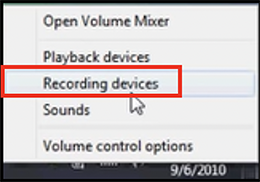
Right click on the volume icon at the bottom right hand side of the screen.

Click on Recording Devices on the pop-up menu.
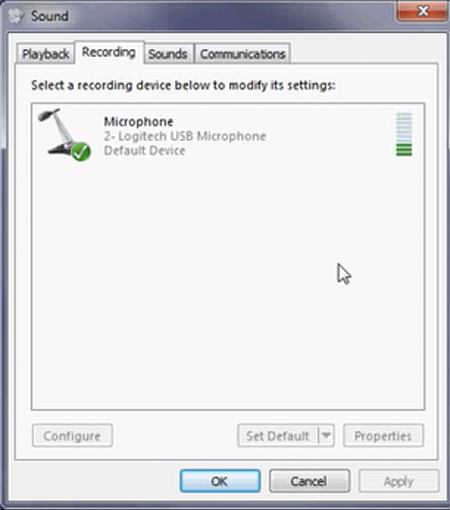
The following dialog box is displayed. The Internal Microphone is not displayed.
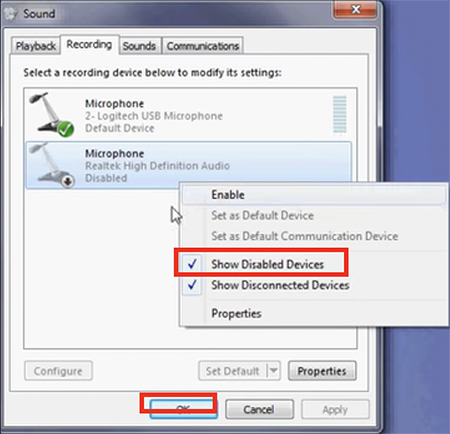
Right click anywhere on the screen to make the menu appear.
Click on Show Disabled Devices then click on Ok.